Visual Studio Copilot Integrations
Designing Copilot AI integrations across developer tools.
Category
UX Design, AI, Prototyping
Role
Principal Designer
Client
Microsoft Corporation
Year
2025
Project Overview
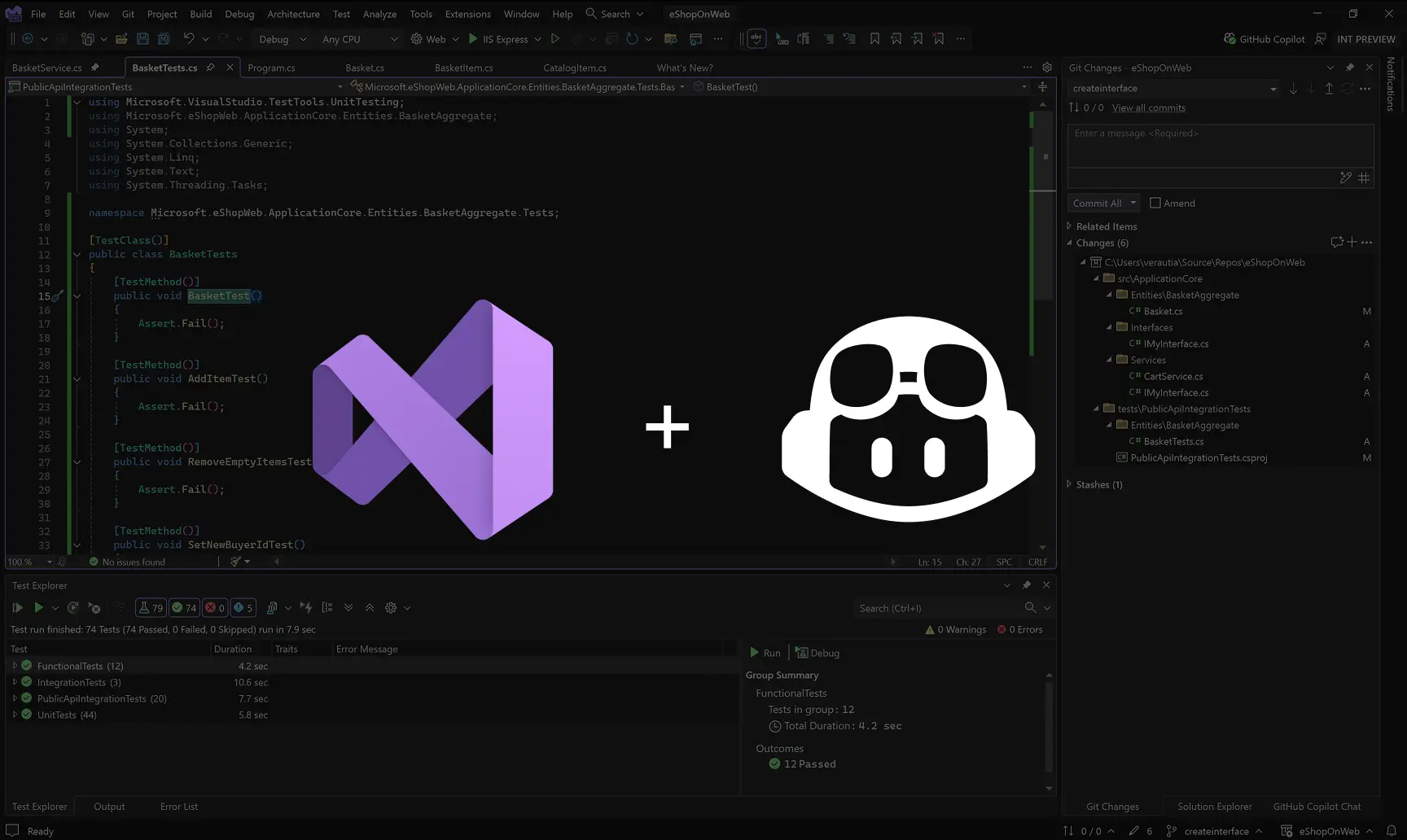
I drove the design work for GitHub Copilot integrations across toolsets throughout Visual Studio. I crafted optimized end-to-end experiences that boost developer productivity while navigating competing constraints across different feature teams, and aligning numerous stakeholders.
UX Challenge
Key challenges included:
• The product teams worked in silos and lacked understanding of the high-value end-to-end scenarios. • Different experiences were fragmented, and inconsistent UI elements and language confused users and hindered productivity. • How to introduce new powerful AI functionality on high-density UI so that it's discoverable and understandable but doesn't mess with users' muscle memory?
I collaborated closely with product managers, engineers, and other Copilot designers to identify user pain points, uncover opportunities where AI could address those pain points, and break down silos between teams.
Example: Editor - Rename Suggestions
This small piece of AI integration was added to the editor to make rename task easier. It consists of several key features:
• Provide AI suggestions automatically without blocking the underlying UI. • Allow users to opt out and turn off the suggestions permanently. • Prevent unnecessary AI costs by cancelling LLM (Large Language Model) call if the user starts typing. • Provide intuitive keyboard navigation for power users. • Maintain consistency with other Copilot integrations in Visual Studio.
Example: Diagnostics - Visualizer
With the updated UI, users can write natural language queries and view relevant diagnostics data directly within the code editor. This helps developers quickly understand and address issues without needing to learn complex query languages or navigate multiple tools.
Prototypes like this are at the core of my design process. They help to validate the designs early with users and stakeholders, and also serve as a clear communication tool for engineering handoff. This one was made directly in the Figma design tool using interactive components and animation features.
UX Guidelines
Copilot partner teams worked in silos which had resulted fragmented and inconsistent experiences. I created user experience (UX) guidelines:
• Established a unified design language for Copilot integrations across Visual Studio. • Empowered teams to make informed independent design decisions without designer involvement. • Strengthened cross-team collaboration and end-to-end user experience.
More designs...
While leading the design efforts for all Copilot integrations in Visual Studio, I created numerous designs across multiple teams. Here are a few additional examples: